
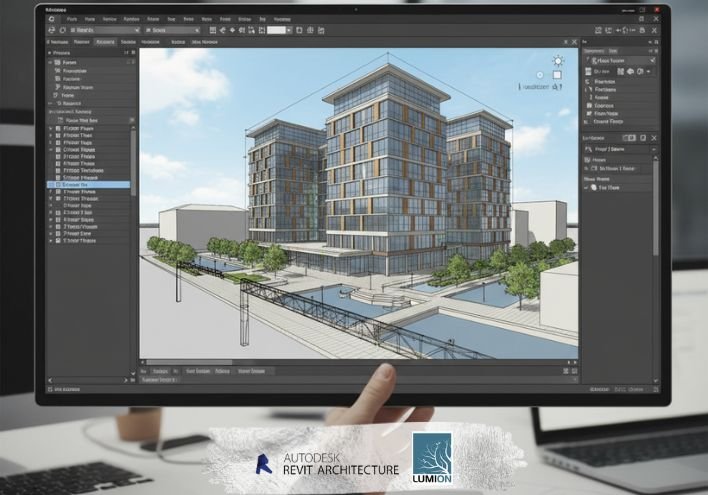
Revit Architecture + Lumion
Online BIM & Rendering Training in India
Join the Best Revit Lumion Training Classes in Vesu, Surat – Learn BIM & Realistic Visualization
Are you searching on Google for:
✅ Best Revit course in Surat
✅ Lumion rendering training near me
✅ Online Revit classes in India
✅ BIM architecture course with certification
✅ Revit Lumion training institute in Vesu
Then this Revit Architecture + Lumion Course is the perfect career-focused training program.
This professional course helps students and working professionals learn complete Building Information Modeling (BIM), architectural design development, and high-quality 3D visualization workflow using industry-standard tools.
Lumion is widely used real-time architectural visualization software that enables designers to create high-resolution renders and presentation visuals.
Why Learn Revit & Lumion Together?
Today, architecture and construction companies require professionals who can:
⭐ Create intelligent BIM building models
⭐ Prepare construction drawings and schedules
⭐ Produce photorealistic architectural renders
⭐ Present design concepts effectively to clients
⭐ Work on real-world architectural project workflow
Learning both software together builds complete architectural design + visualization skills, which increases employability in the modern AEC industry.
Who Can Join This Course?
This training is suitable for:
- Architecture students
- Civil engineering students
- Interior designers
- Diploma and degree holders
- Construction professionals
- Beginners interested in BIM design
Even students with no prior experience can start learning easily.
Why Choose Our Institute – Best Revit Lumion Classes in Surat?
⭐ Experienced industry trainers
⭐ Latest BIM and rendering software training
⭐ Real project-based practical learning
⭐ Small batch personalized training
⭐ Portfolio and interview preparation
⭐ Strong placement assistance network
We focus on skill development, confidence building and career growth.
Course Highlights – Best Revit Lumion Training in Surat
✅ Live ONLINE training classes across India
✅ Classroom training institute in Vesu, Surat
✅ Beginner to advanced level learning
✅ Real architectural project practice
✅ Portfolio development support
✅ Course completion certification
✅ Job placement guidance
✅ Flexible batch timing
This course is designed to make you industry-ready BIM and visualization professional.
What you will learn?
-
Revit Architecture
- Revit interface and project setup
- Modeling walls, doors, windows, floors, roofs, and ceilings
- Creating views, sections, elevations, and schedules
- Working with families and components
- Materials, lighting, and rendering in Revit
- Creating sheets and construction documentation
- BIM workflows and project organization
Lumion - Importing Revit models into Lumion
Scene setup and environment creation - Lighting (sun, sky, interior lights)
- Material editing and enhancement
- Adding objects: trees, people, vehicles, décor
- Camera setup, animation, and rendering
- Creating realistic walkthrough videos
Final presentation rendering techniques
Course Curriculum (Session-wise)
Training Highlights
- Live instructor-led sessions
- Hands-on assignments & downloadable practice files
- Class recordings (for online batches)
- One-to-one session & doubt clearing
- Certificate of completion and placement help
Frequently Asked Questions
- Is this course beginner-friendly?
- Yes, all modules start from basic concepts.
- Is Revit better than AutoCAD?
- Yes, for BIM workflows and 3D building design, Revit is industry-standard.
- Do I need a high-end PC for Lumion?
- Yes, Lumion benefits from a strong GPU for smooth rendering.
- Will I learn complete walkthrough creation?
- Yes, full animation and camera movement techniques are included.
- Are real projects included?
- Yes, you will work on residential and commercial modeling projects.
| Mode | Online & Offline |
|---|---|
| Duration | 40 Sessions |
| Class Time | 9:00 AM – 7:00 PM (IST) |
Career Opportunities After Revit Lumion Training
After completing the course, you can work as:
- BIM Modeler
- Architectural Designer
- Revit Technician
- 3D Visualization Artist
- Interior Rendering Specialist
- Freelance Architectural Designer
Professionals with BIM and rendering skills are highly demanded in architecture firms and construction companies across India.