
Interior Design - Best Interior Design Course
Learn Professional Interior Designing with Practical Software Training & Certification
Are you searching on Google for:
✅ Interior Design Course in Surat
✅ Best Interior Design Classes in Vesu
✅ Online Interior Design Training in India
✅ Interior Designing Institute near me
✅ Interior Design Certification Course
Then this Professional Interior Design Training Program is designed specially for you.
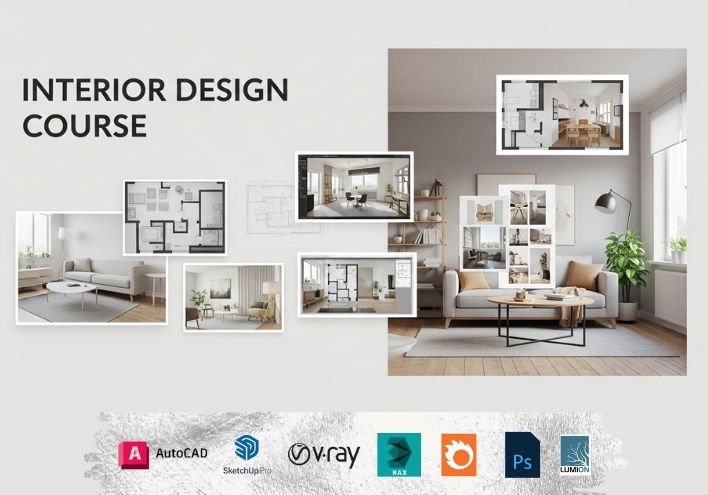
This course helps students learn complete interior design concepts, CAD software skills, 3D visualization techniques and real project workflow required in modern architecture and interior design industries.
Interior design education usually covers space planning, colour theory, lighting concepts, material selection and presentation skills, helping learners create functional and aesthetic spaces.
Who Can Join Interior Design Course?
This training is ideal for:
- Architecture & Civil Engineering students
- Interior design beginners
- Creative students after 10th / 12th
- Working professionals looking for career change
- Freelancers interested in design field
Even students with no prior technical knowledge can start learning easily.
Why Interior Design is a High-Demand Career in India
Interior design is one of the fastest growing creative career fields in India due to:
⭐ Increasing demand for modern homes and commercial spaces
⭐ Growth of real estate and construction industry
⭐ Rising importance of visual presentation and design aesthetics
⭐ Opportunities in freelancing and own design business
Professional training helps students develop creative thinking, technical knowledge and practical software skills required to succeed in the industry.
What you will learn?
- Basics of interior design and design principles
- Space planning for homes and commercial spaces
- Color combinations and theme development
- Material selection: tiles, laminates, paints, fabrics, textures
- Lighting design and illumination techniques
- Furniture planning and measurements
- Ceiling, wall, and flooring design concepts
- Basic 2D drafting & 3D modeling for interior layouts
- Creating realistic interior renderings
- Client presentation and project planning
Interior Design Course Highlights – Online & Classroom Training
✅ Best Interior Design Institute in Surat
✅ Classroom Classes available in Vesu
✅ Online Live Training across India
✅ Beginner to Advanced level curriculum
✅ Real Project based practical learning
✅ Portfolio development guidance
✅ Certification after course completion
✅ Placement assistance support
This course focuses on industry-oriented practical training instead of only theory learning.
Course Curriculum (Session-wise)
Session 54: Drawing Fundamentals: Lines, Shapes & Arcs
Session 55: Modeling Basics with Push–Pull (Furniture Modeling)
Session 56: Transform Tools: Move, Copy, Rotate, Scale & More
Session 57: Groups, Components & Object Management
Session 58: Organizing Models: Hide, Lock, Tape Measure & Protractor
Session 59: Adding Information: Dimensions & Text Tools
Session 60: Advanced Modeling: Tags, Intersect Faces & Section Planes
Session 61: Importing CAD Plans & Creating a House Model
Session 62: Exploring and Using 3D Warehouse
Session 63: Solid Tools, Sandbox Tools & Engraved Text Creation
Session 64: Visual Enhancements: Styles, Shadows & Soften Edges
Session 65: Materials & Texture Painting with Paint Bucket Tool
Session 66: Scenes, Animation & Exporting Your Project
Training Highlights
- Live instructor-led sessions
- Hands-on assignments & downloadable practice files
- Class recordings (for online batches)
- One-to-one session & doubt clearing
- Certificate of completion and placement help
Frequently Asked Questions
- Is this course suitable for beginners?
- Yes, the course starts from basics and requires no prior design experience.
- Do I need drawing or sketching skills?
- Basic sketching helps, but not mandatory.
- Do I need a powerful computer?
- A moderate system works for drafting and 3D work.
- Will I get hands-on projects?
- Yes, practical interior projects for each module are included.
- Can I start freelancing after completing the course?
- Yes, you will learn how to create layouts, renders, and client presentations.
| Mode | Online & Offline |
|---|---|
| Duration | 100 Sessions |
| Class Time | 9:00 AM – 7:00 PM (IST) |
Career Opportunities After Interior Design Training
After completing the course, students can work as:
- Interior Designer
- Interior CAD Draftsman
- 3D Visualization Artist
- Furniture & Space Planner
- Freelance Interior Consultant
- Design Studio Executive
Interior design education opens opportunities in residential, commercial and hospitality projects.