
AutoCAD 2D
About the Course
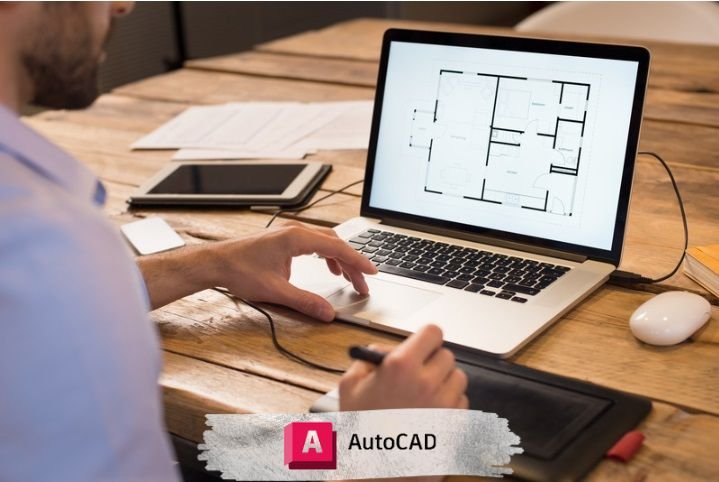
This AutoCAD 2D course is designed to teach complete 2D drafting and documentation skills for architecture, civil engineering, interior design, mechanical drawings, and professional technical drafting. The course focuses on practical drawing, modification tools, layers, dimensions, and creating industry-standard plans.
Who should join?
- Architecture and civil engineering students
- Interior designers
- Draftsmen and site engineers
- Mechanical design students
- Anyone who wants to learn professional 2D drafting
What you will learn?
- AutoCAD interface and workspace setup
- Basic drawing tools (line, polyline, circle, arc, rectangle)
- Modify tools (trim, extend, copy, offset, fillet)
- Layers, line types, and color management
- Dimensioning and text annotations
- Blocks, groups, and attributes
- Hatching, gradients, and patterns
- Working with units, scales, and layouts
- Plotting/printing with proper scales
- Creating architectural, civil, and interior plans
Course Curriculum (Session-wise)
Session 1: Introduction to AutoCAD
Session 2: Modifying Objects
Session 3: Object Properties and Layers
Session 4: Working with Text and Dimensions
Session 5: Basic Drawing Techniques
Session 6: Using Blocks and WBlocks
Session 7: Precision Drawing Tools
Session 8: Working with Layouts and Viewports
Session 9: Working with Blocks and Attributes
Session 10: Using Xrefs (External References)
Session 11: Creating plan and define detail
Session 12: Creating elevation and Construction Line, Ray
Session 13: Creating Section
Session 14: Creating Furniture Detail
Session 15-20: Finalizing Your Drawing
Training Highlights
- Live instructor-led sessions
- Hands-on assignments & downloadable practice files
- Class recordings (for online batches)
- One-to-one session & doubt clearing
- Certificate of completion and placement help
Frequently Asked Questions
- Is this course beginner-friendly?
- Yes, all tools are taught from the basics.
- Can I learn AutoCAD without engineering background?
- Yes, anyone can learn drafting skills.
- Do I need a powerful computer?
- No, AutoCAD 2D works smoothly on moderate systems.
- Will I learn full architectural plans?
- Yes, including floor plans, elevations, and detailing.
- Are practical projects included?
- Yes, multiple real-world 2D drafting projects are part of the course.
| Mode | Online & Offline |
|---|---|
| Duration | 20 Sessions |
| Class Time | 9:00 AM – 7:00 PM (IST) |
Certificate:
CADcity Completion Certificate
Contact
Phone: +91-7490008464
Email: compusoftedusurat@gmail.com
Career Paths
- AutoCAD Draftsman
- Architectural Drafter
- Civil Drafter
- Interior Drafting Specialist
- MEP Drafting Assistant
- Freelance CAD Technician