
Blender 3D
About the Course
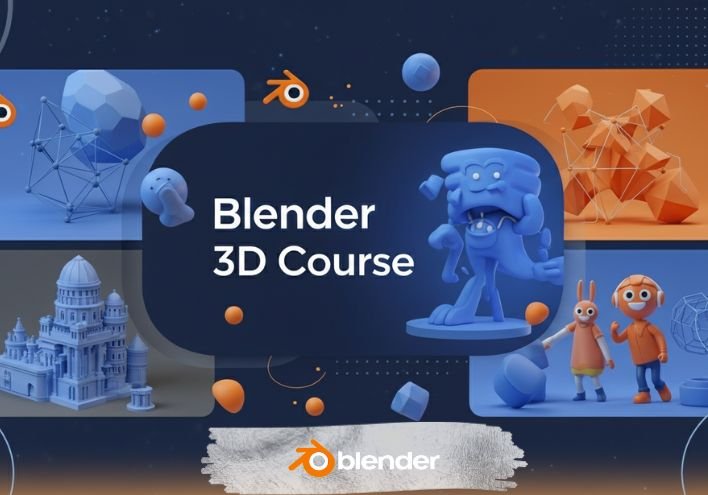
Blender 3D is a powerful open-source software used for 3D modeling, animation, rendering, VFX, and motion graphics. This course provides a practical, step-by-step learning path to create 3D assets, characters, environments, and animations from scratch. You will learn industry-standard techniques used in gaming, films, architecture, and advertising.
Who should join?
- Students interested in 3D modeling, animation, or gaming
- Graphic designers who want to expand into 3D
- YouTubers and content creators needing 3D visuals
- Architecture or product design learners
- Anyone who wants to start a career in 3D tools and CGI
What you will learn?
- Introduction to Blender Interface and Navigation
- 3D Modeling: Objects, Mesh Editing & Sculpting
- Texturing & Materials using Shader Editor
- Lighting & Camera Setup
- Rendering with Eevee & Cycles
- Animation Basics: Keyframes, Motion & Rigging
- Creating 3D Product Models
- Creating 3D Environments & Scenes
- Intro to VFX, Physics Simulation & Motion Graphics
- Exporting 3D Models for Games or Videos
Course Curriculum (Module-wise)
Session 1: Introduction interface and navigation tools & Modeling, Animation
Session 2: Extrude & Inset Tools | Vertex, Edge, and Face
Session 3: Bevel Tool in Blender
Session 4: Loop Cut Tool, Offset Edge Loop Cut Tool in Blender
Session 5: Knife Tool, Bisect Tool in Blender
Session 6: Poly Build Tool, Retopology in Blender
Session 7: Spin Tool in Blender
Session 8: Smooth and Randomize Tool in Blender
Session 9: Edge/Vertex Slide, Shrink/Fatten and Push/Pull Tools in Blender
Session 10: Shear Tool, To Sphere Tool in Blender
Session 11: Rip Region, Rip Edge Tool in Blender
Session 12: Types of Modifiers in Blender
Session 13: Array Modifier
Session 14: Array Modifier
Session 15: Array Modifier with Physics Animation
Session 16: Bevel Modifier
Session 17: Boolean Modifier
Session 18: Build Modifier | Construction Animation
Session 19: Decimate Modifier | Transfer High poly details to Low poly object
Session 20: Edge Split Modifier
Session 21: Creating and Animating a Realistic Rubik’s Cube in Blender
Session 22: Build a City using plugins
Session 23: Character Modeling for Beginners
Session 24: Animation in Blender for Beginners
Session 25: Make Your First 3D PRODUCT in Blender | Modeling, Texturing, Rendering
Session 26: MASTERING Serum Bottle Texturing and Rendering-02
Session 27: Easy Hand Modeling | Beginners
Session 28: Mirror Modifier
Session 29: Easy Realistic COSMETIC in Blender | Modeling, Lighting
Session 30: Easy Realistic COSMETIC in Blender | Add Label, Texturing, Rendering
Session 31-40: Projection
Training Highlights
- Live instructor-led sessions with live drawing demos
- Hands-on assignments & downloadable practice files
- Class recordings (for online batches)
- One-to-one doubt clearing
- Certificate of completion and placement help
Frequently Asked Questions
- Is this course beginner-friendly?
- Yes, the course starts from scratch and requires no prior 3D experience.
- Which software will I need?
- Only Blender 3D, which is completely free and open-source.
- Do I need a powerful PC?
- A moderate system works, but better GPU speeds up rendering.
- Will I get practical projects?
-
- Yes, multiple hands-on projects are included.
- Can I build a portfolio after completing the course?
-
- Yes, you will create multiple models and renders for your portfolio.
| Mode | Online & Offline |
|---|---|
| Duration | 40 Sessions |
| Class Time | 9:00 AM – 7:00 PM (IST) |
Career Paths
- 3D Modeler
- 3D Animator
- Motion Graphics Designer
- Game Asset Designer
- VFX Artist
- Product Visualization Artist
- Architectural Visualizer
- Freelance 3D Generalist